
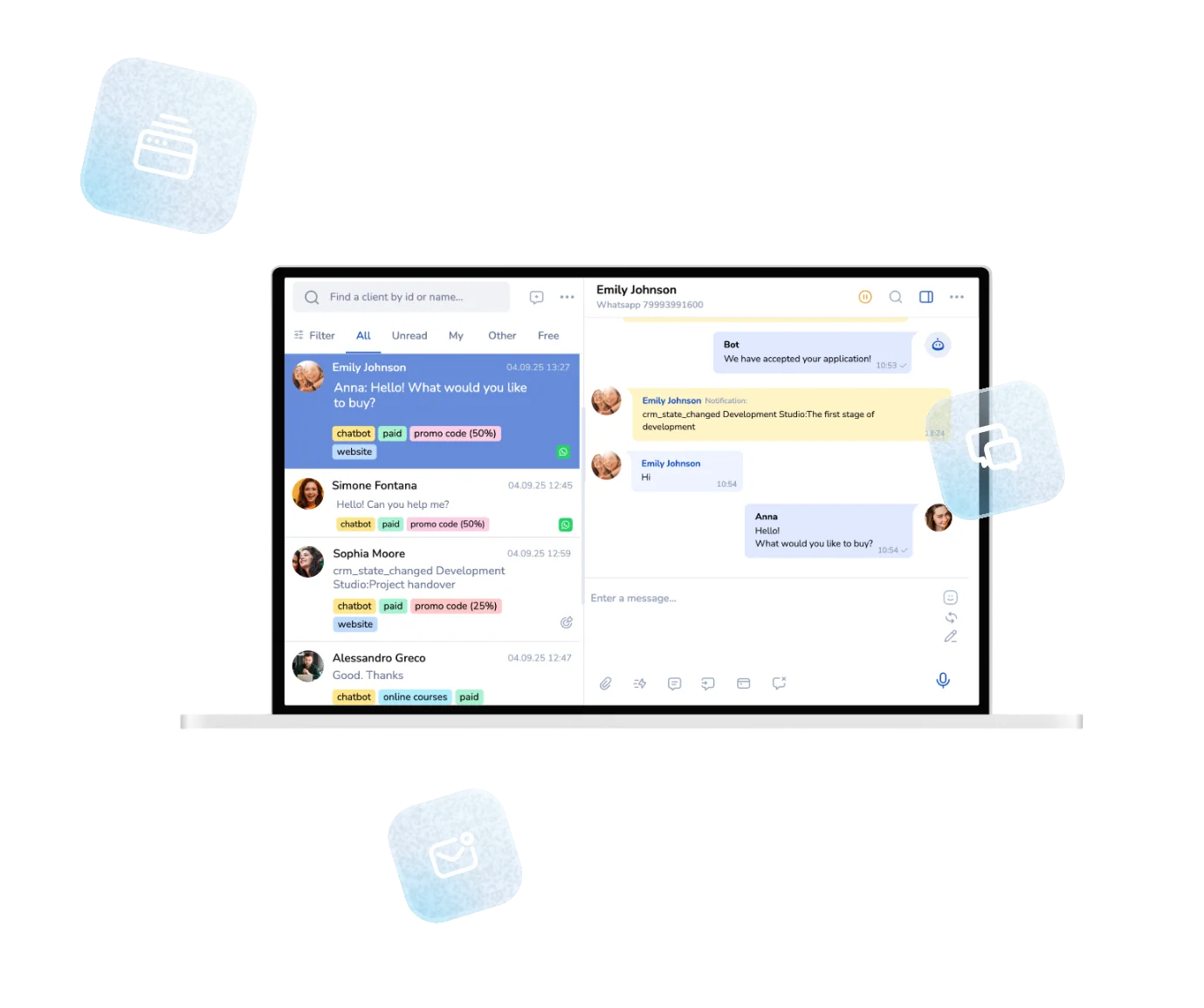
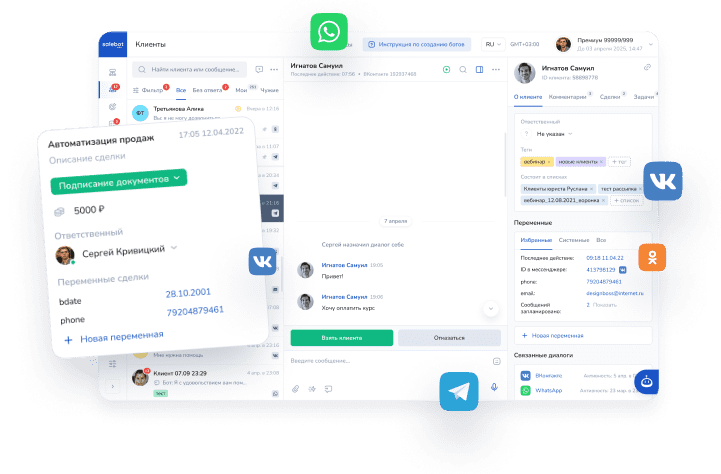
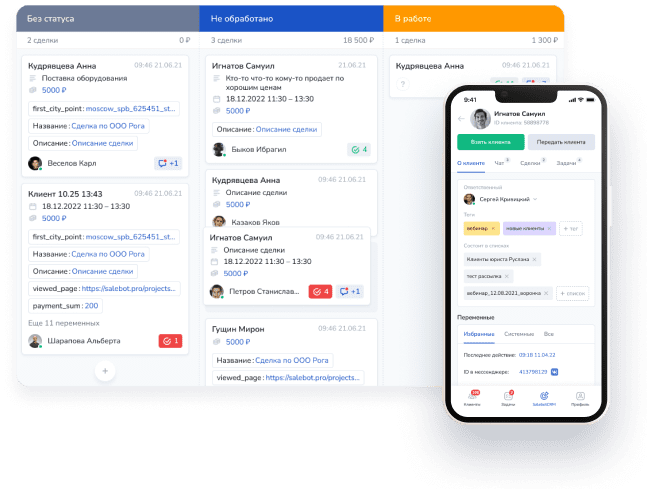


Telegram Chatbot Builder without code or developers
Automate sales, requests, and customer support — more clients,
less manual work
Over 15,000 companies use Mavibot
Powerful features for growing businesses
Full-fledged online stores in Telegram Mini Apps
A full-fledged store with a product catalog, cart and checkout — no third-party sites needed
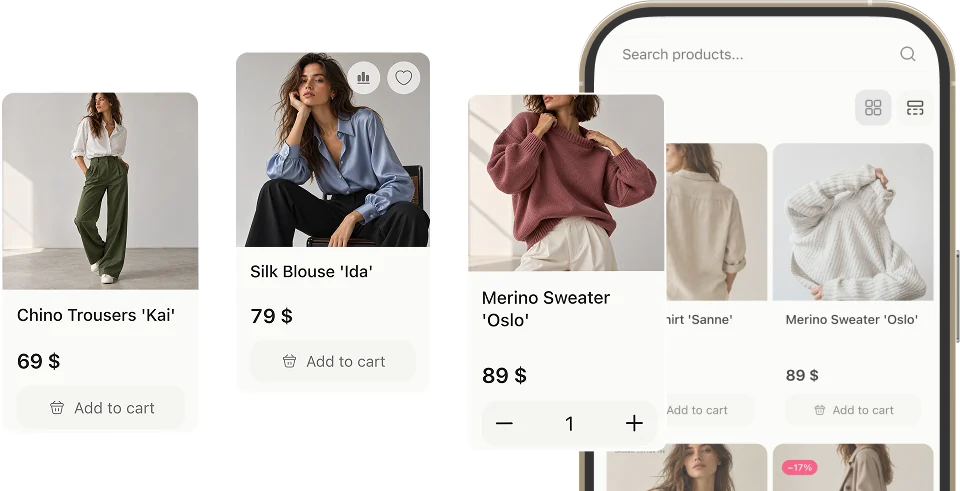
Launch online sales for any business
Accept payments by cards, SBP, wallets and other methods directly in the chatbot

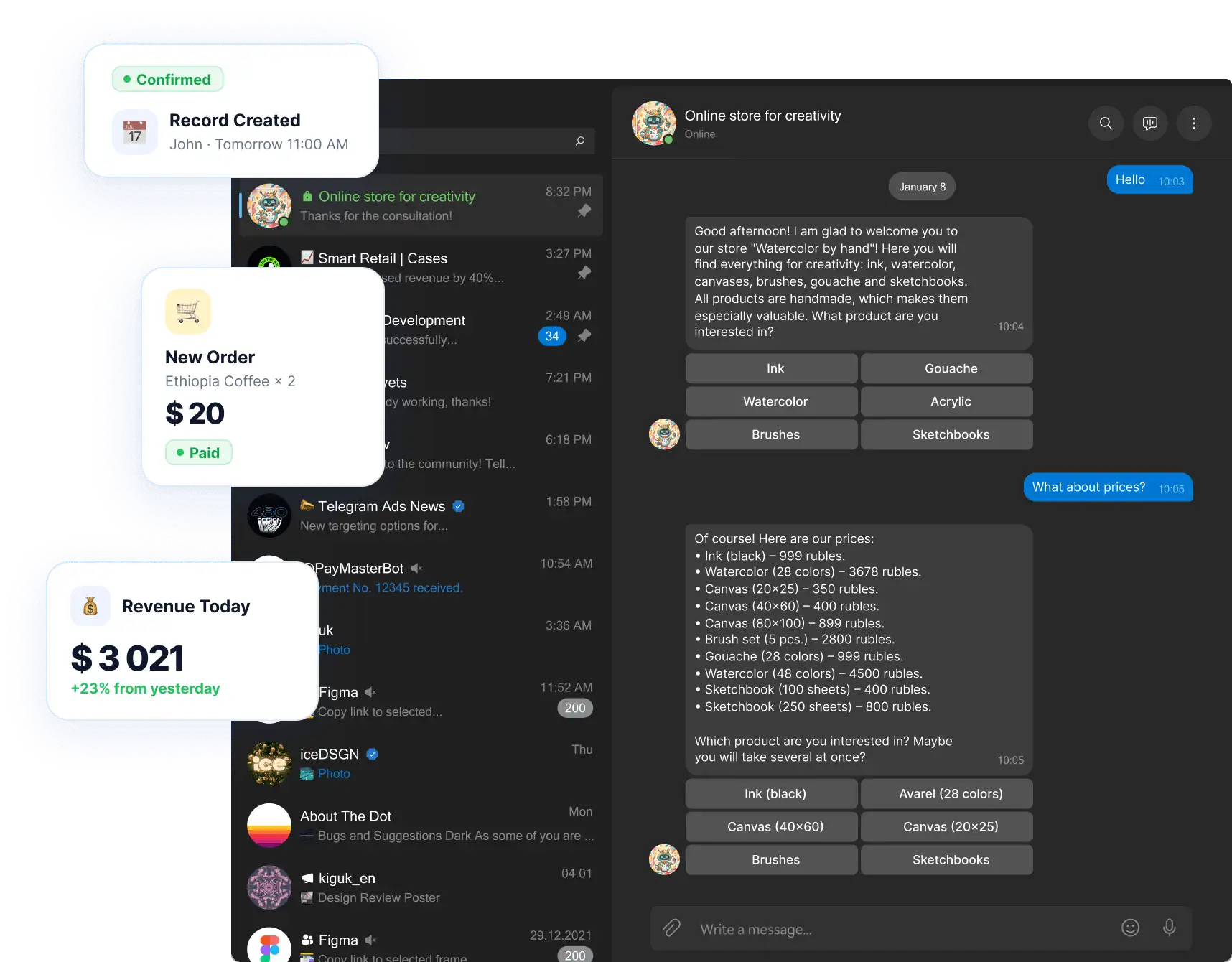
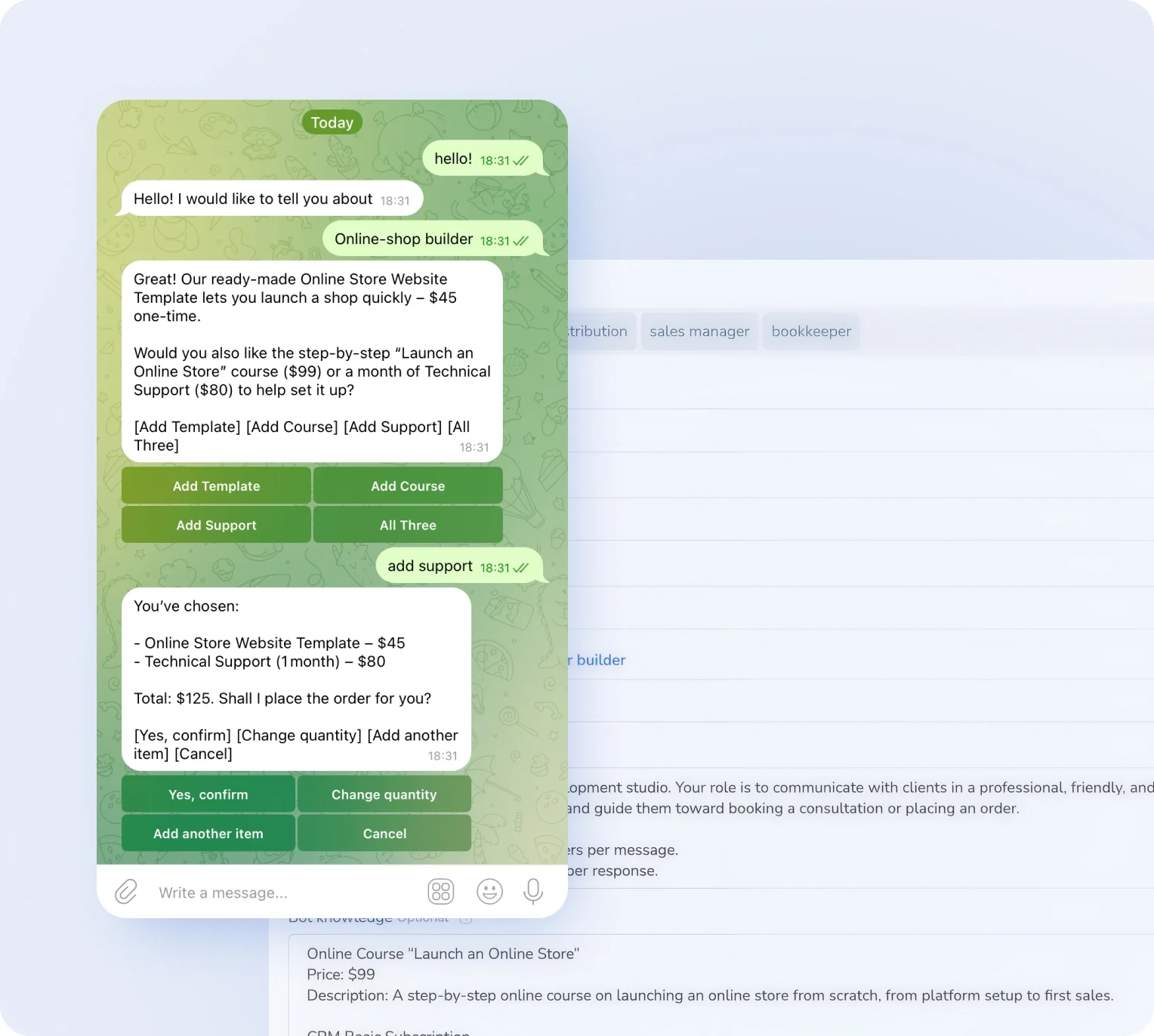
An AI agent that talks to your customers
Answers, qualifies leads and handles objections 24/7

Unlimited promotional broadcasts
Send campaigns to any number of subscribers without getting blocked

Online booking for services right in the bot
Clients pick a time themselves — no calls, no managers

Private membership clubs
Automatic access, renewal reminders and instant removal on non-payment

We're with you every step of the way
Perfect for your business
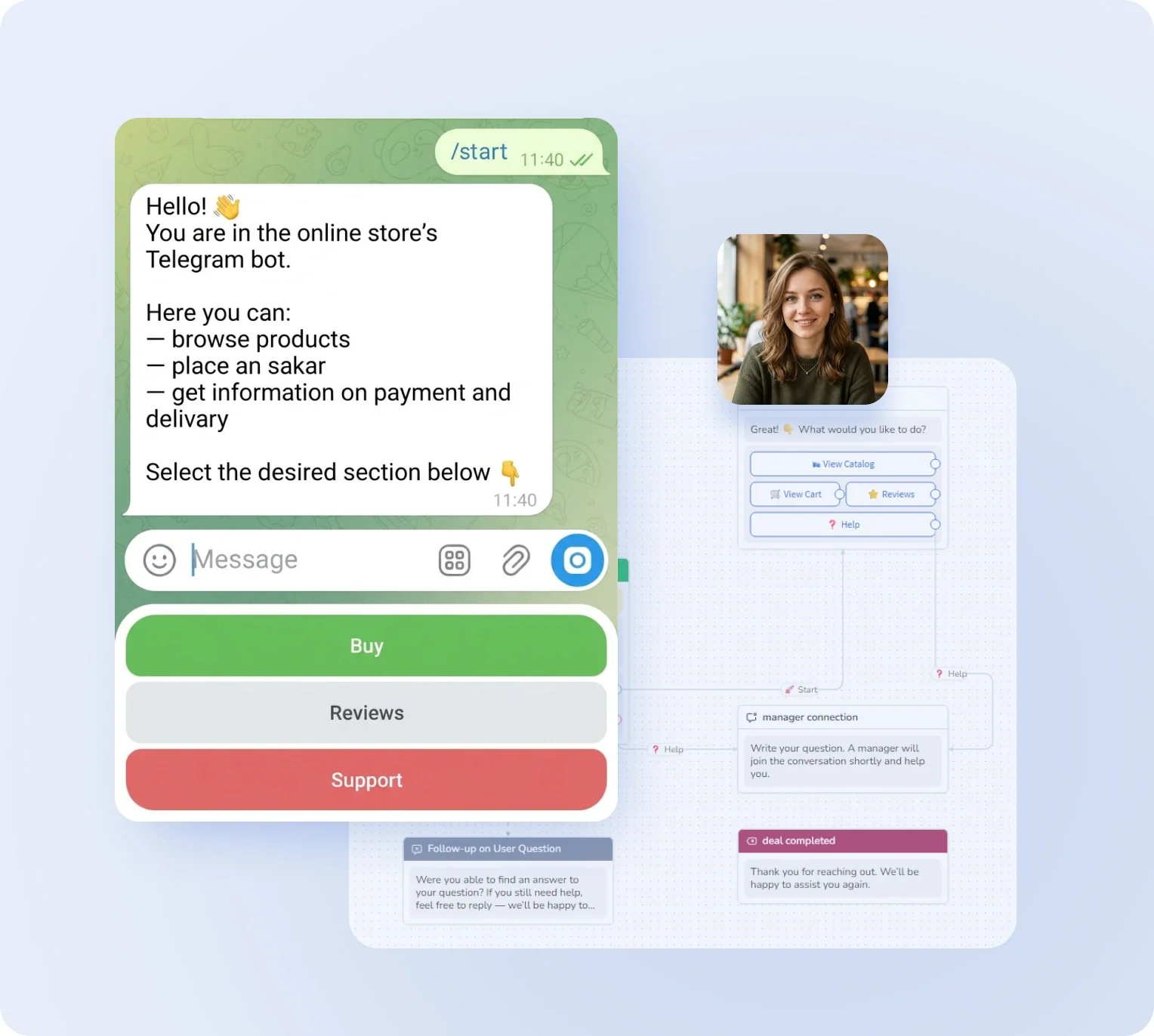
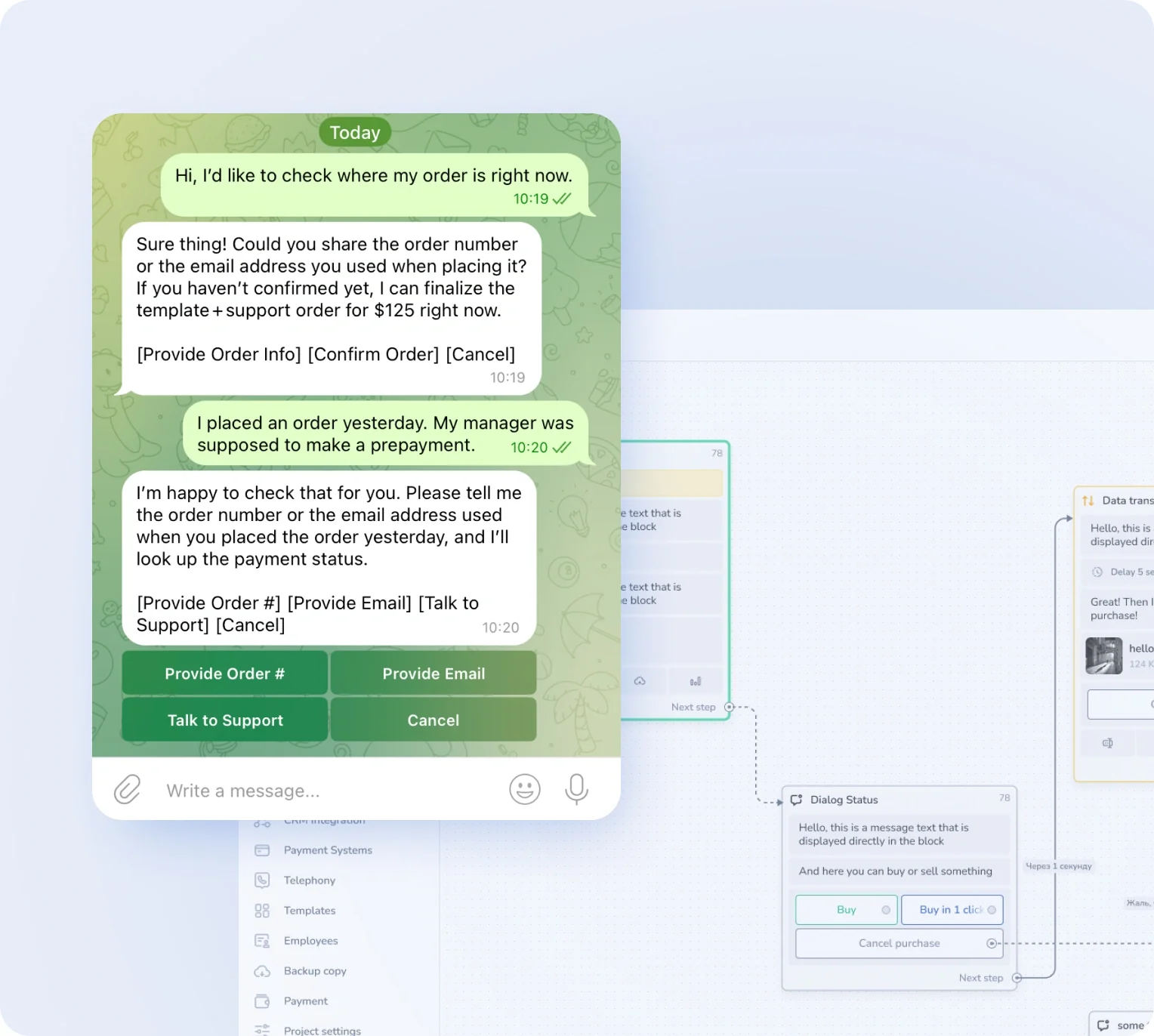
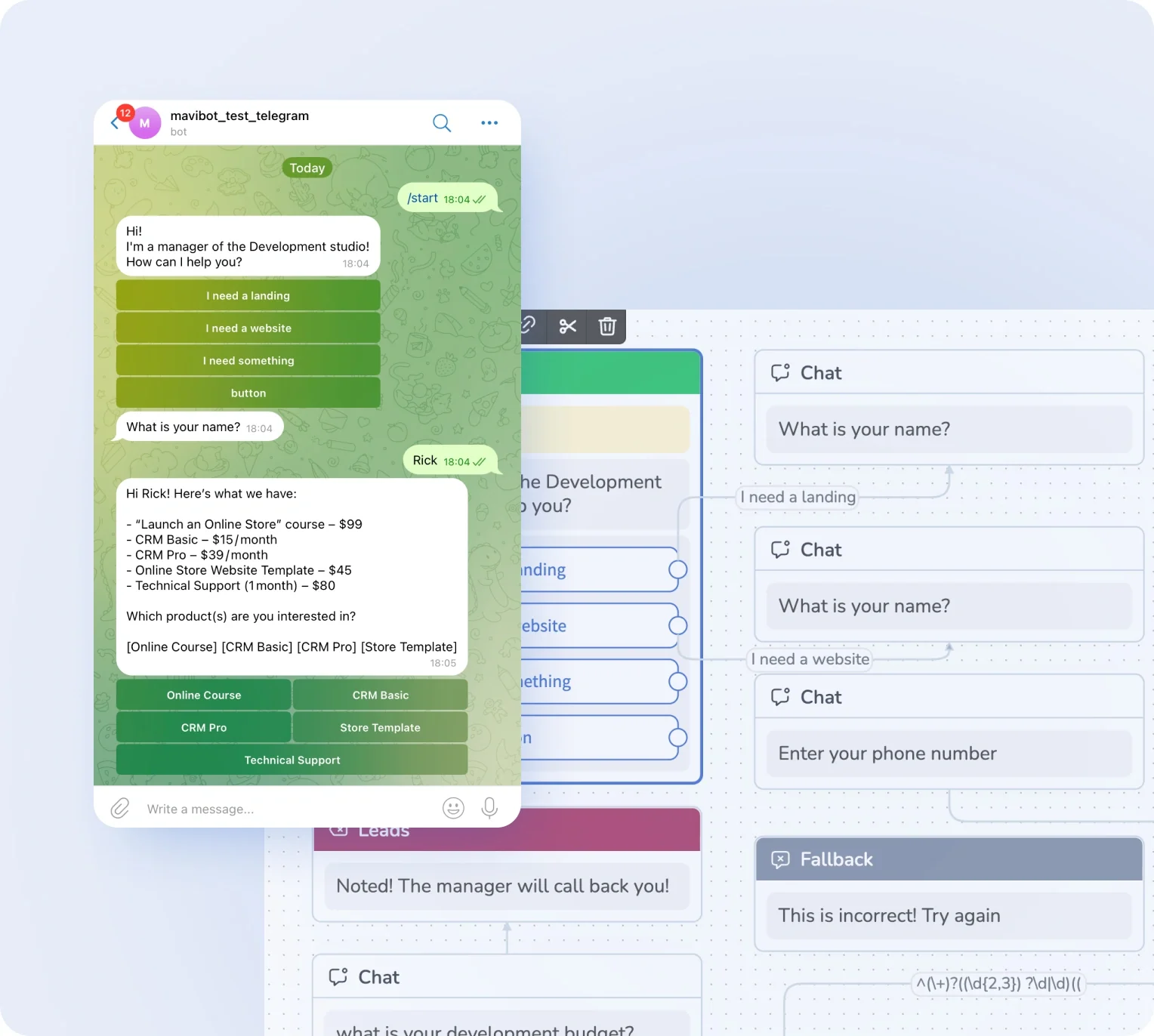


Simplify. Automate. Improve.
Why do businesses choose Mavibot?
Works with all messengers
Instagram, WhatsApp, Telegram, Facebook Messenger, email, website live chat — and any other channel your audience uses

Earn online
Join the affiliate program and earn a commission on every payment your referrals make — for life
Start without developers
You don't need technical skills or coding to create a Telegram bot with a website and a course
Maximum reach
Expand your business and audience reach across any channel: Telegram, Discord, TikTok, Facebook, and others
Analytics for business growth
Collect data on sales, requests, and conversions to improve your marketing and automation strategies.
Who Mavibot is for
Who should use Mavibot? — from startups to large companies
Free plan. No credit card.
Start automation today
How to create and launch a Telegram chatbot
Create a chatbot
Create a Telegram chatbot via BotFather and connect it to Mavibot.
#1
Set up a sales funnel
In the Mavibot builder, build a message chain that automates customer communication.
#2
Add content
Upload images, files, videos, and links to make interacting with the bot livelier and more engaging.
#3
Launch your chatbot
Test the funnel scenario in Telegram. Your chatbot is now ready to launch!
#4
What People Say About Us
Mavibot customer reviews



Business owners trust Mavibot
Alex
Chatbot developer
Irene
Marketing Director
Anastasia
Beauty salon owner




Business owners trust Mavibot
No hidden fees or additional charges
Transparent pricing that scales with you.
Mavibot plan comparison
- Pricing
- Free
- Business
- Mavibot AI
- Team members222
- Messages per day501000010000
- Live chat
- Builder
- Mavibot CRM
- AI assistant for working with customers
- Website builder
- Analytics
- Courses
- Webinars
- Broadcasts
- Calculator
- Working with API requests
- Working with Google Sheets
- Payments in the chatbot
- Integrations with payment systems (except Prodamus)
- Integrations with online education platforms (Bizon365, Getcourse, Prodamus, etc.)
Free
$ 0
Get started for free — no credit card required
Features
Up to 50 messages per day
LMS platform for up to 10 students
Connect any channel
Build 1 website or online shop
Sales and payments via chatbot
Business
$ 39
/ month
For teams that do it all themselves
Features
Everything from Free, except Mavi
Up to 10,000 messages per day
Up to 1,000 emails per day
LMS platform for up to 1,000 students
Webinar platform
Mavibot AI
$ 59
/ month
For teams ready to hand off sales
Features
Everything from the Business plan
Mavi, your AI employee for sales
Sets up your tools and sales funnels
Talks to customers in 100 languages
Works in all your chats and channels
Additional options
+10,000 messages
per day
$ 19.9
+1,000 emails
per day
$ 9.90
+2 GB
file storage
$ 1.90
+100 students
in a project
$ 9.90
Additional channel
$ 9.90
Additional employee
$ 9.90
One service for all your needs.
Change the way you run
your business today
Create a Telegram chatbot. Automate sales and customer communication. Everything in one system.
FAQ
Frequently asked questions
Can I try Mavibot for free?
Absolutely! You can try Mavibot for free:
*Three days on the maximum plan — full access to all features so you can explore everything the bot can do.
*Free plan — always available to explore the basics and work with the bot with no time limits.
Choose whichever format works best for testing Mavibot.
*Three days on the maximum plan — full access to all features so you can explore everything the bot can do.
*Free plan — always available to explore the basics and work with the bot with no time limits.
Choose whichever format works best for testing Mavibot.
How do I collect leads with a Telegram chatbot?
A Telegram bot collects leads through interactive scenarios: it asks questions, captures contacts, and automatically creates requests in your CRM. In Mavibot, you can set up a funnel that turns conversations into a steady stream of leads.
Can I connect a CRM to my Telegram chatbot?
Yes, Mavibot integrates with CRM and automatically syncs all inquiries, leads, and deals. This lets you manage clients without manual data entry and track the entire customer journey in one place.
How does a Telegram chatbot work without a manager 24/7?
A Telegram chatbot runs 24/7 using scenarios and AI: it answers questions, collects requests, and helps sell services without human involvement. In Mavibot, this means you never miss a client — even at night or on weekends.
How do I create an AI chatbot for Telegram?
Create a bot via BotFather in Telegram and connect it to Mavibot. Then configure your AI assistant commands, add information about your company and services, and set its role (e.g. sales manager). The bot will start responding to clients automatically.
How do I create CRM deals from Telegram?
Mavibot automatically creates deals in your CRM: just enable “Accept leads to the first funnel stage” and every client who messages you will be added to the system. You can also configure deal creation at any CRM stage.
Can I send broadcasts in Telegram?
Yes! In Telegram you can send broadcasts without template restrictions — any messages, buttons, and media files. In Mavibot, broadcasts are set up directly from the interface and sent to everyone who has messaged the bot.
How do I connect a Telegram bot to Mavibot?
Just create a bot via BotFather and paste the token into Mavibot. The whole process takes a few minutes — no verification or third-party developers needed. Start automating client communication right away.
Can I accept payments through Telegram?
Yes, you can add a payment button directly to your bot scenario — clients pay for a product or service right in the chat without leaving to an external site. Mavibot supports popular payment providers including Stripe, PayPal, and others.
How is a Telegram chatbot useful for small businesses?
A Telegram bot handles initial client interactions: answers common questions, captures contacts, books appointments, and passes requests to a manager. For small businesses, it means serving clients 24/7 without hiring extra staff.
How do I increase sales through a Telegram chatbot?
Sales through a Telegram chatbot grow through automated funnels: fast responses, lead nurturing, personalized offers, and built-in payments. In Mavibot, you can build a scenario that takes a user from the first message to purchase — without a manager.
How do I set up an auto-responder in Telegram for my business?
Auto-responses are configured through bot scenarios: you set the rules under which the bot replies automatically. In Mavibot, you can set up welcome messages, answers to common questions, and routing to managers.